POV
Why Work Doesn't Need Another Tool — It Needs to Move Between the Ones You Have
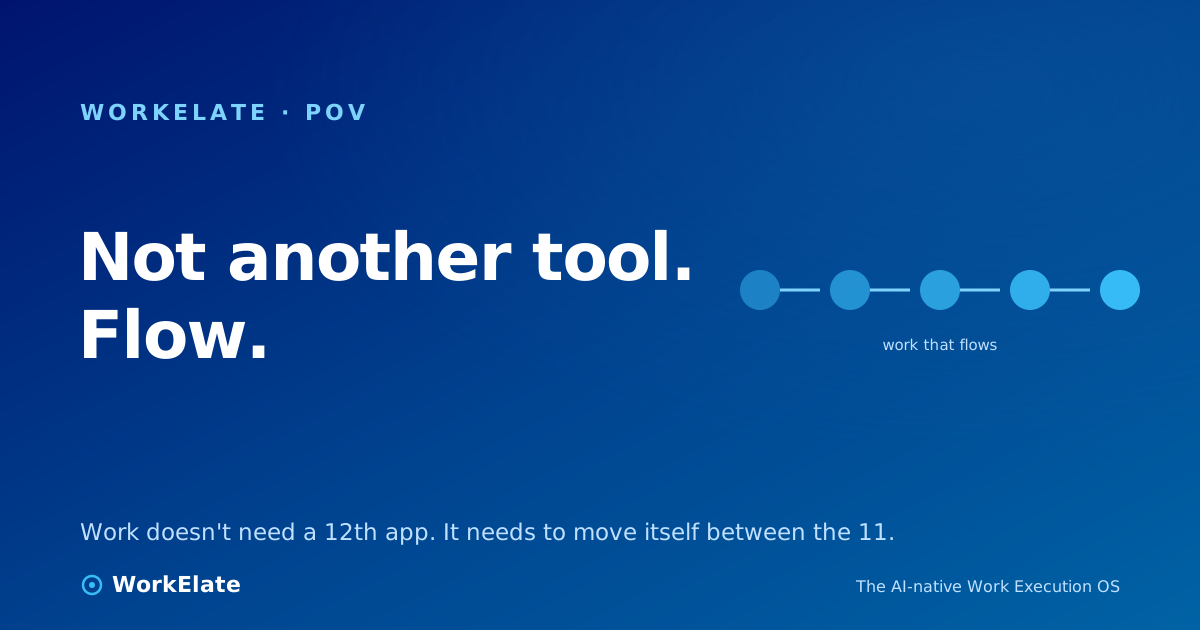
You don't need a 12th app. You need the work to move itself between the apps you already run — a shared work-graph and one brain that carries intent across surfaces.
You don't need a 12th app. You need the work to move itself between the apps you already run — a shared work-graph and one brain that carries intent across surfaces.
Here is the part of the pitch that should make you suspicious: every new productivity tool is sold as the one that finally makes work feel smooth. A smarter board. A cleaner inbox. A whiteboard that doesn't lag. You buy it, you onboard the team, and three weeks later you are exactly where you started — except now there is one more tab to check.
That is not bad luck, and it is not because you picked the wrong tool. It is because the thing you keep buying is not the thing you keep missing. You have enough tools. What you do not have is the work moving between them on its own.
Count your stack. A form for intake, a board for tasks, a doc for the brief, a calendar for the deadline, an inbox to tell the client. Each one is, on its own, perfectly good. None of them is the bottleneck.
The bottleneck is the seam between them. A form gets submitted — and now a human reads it, opens the board, retypes the gist into a card, opens the calendar, drops a deadline, opens the inbox, tells the client it's handled. Four surfaces, one fact, copied by hand each time, with a little context lost at every hop.
Buying a 12th tool does not close those seams. It adds three more of them. You don't have a tool shortage. You have a disconnection problem, and disconnection doesn't get smaller when you add surfaces — it gets bigger.
Think about what a great operations person does when they "run" a project. They don't produce work, mostly. They move it. They take the thing that just happened over here and make sure it lands over there, with the right context, at the right time, told to the right people. They are the continuity between your tools.
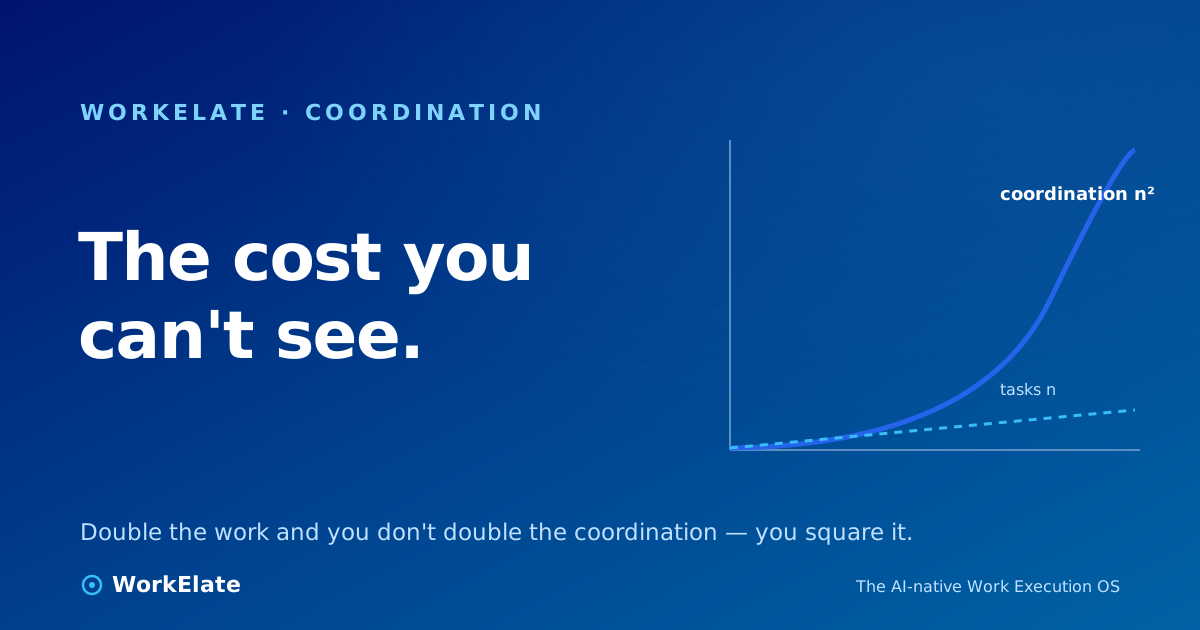
That is the job nobody sells you a tool for, because it isn't a tool-shaped job. It's a between-the-tools job. And it's the one that's eating your best people's afternoons — the coordination tax, the quiet overhead of carrying meaning across surfaces by hand.
So the question to ask of any work software is not "what can this surface do?" It's "when work moves off this surface, does it move itself — or do I move it?" Most stacks answer the second way. You are the API between your tools.
Here is the reframe that changes what you shop for. The intelligence in your work doesn't live inside any one app. It lives in the connection — the fact that a submitted form should become a task, that a task slipping should warn the client owner, that a decision in a doc should cascade into next week's plan.
A real work system wins by owning that connection. Two things make it possible, and neither is a new surface:
A cross-app work-graph — a shared model of your work, keyed to the client or project, that every app writes into instead of holding privately. The form doesn't just store a response; it emits "this happened" into the graph. The board, the calendar, the inbox all read and write the same picture. Nobody has to re-key the fact, because the fact only exists in one place.
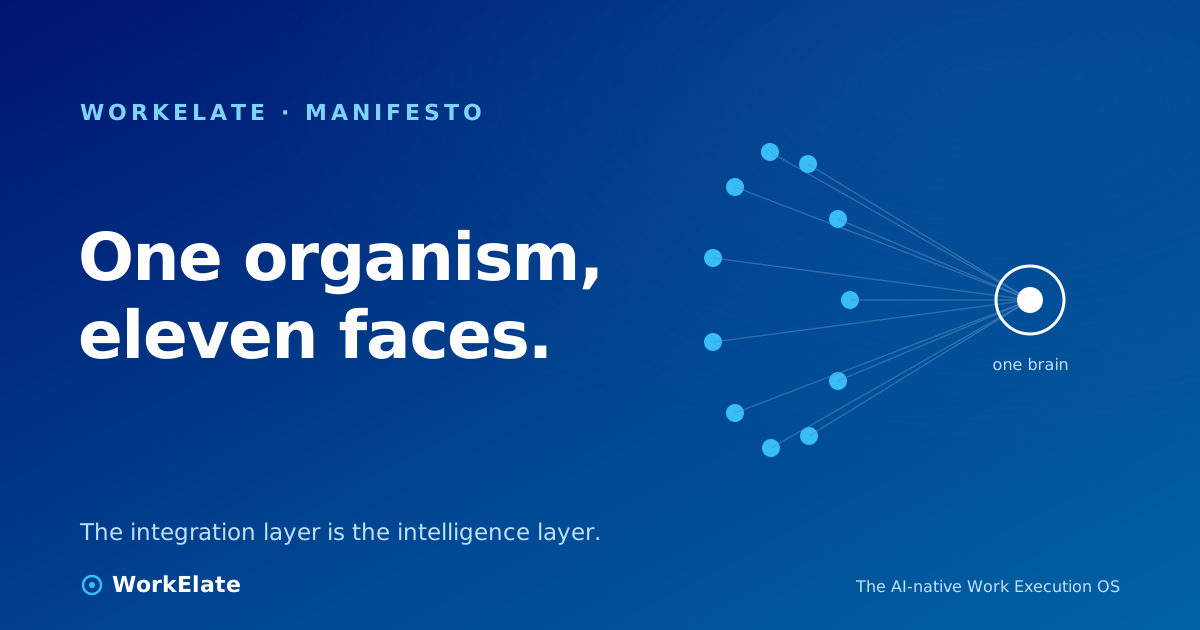
And one brain over the top — a single orchestrating intelligence (we call it WAO) that watches the graph and moves work along it. When the form fires, WAO is the one that drafts the task, proposes the deadline, and writes the client a line — then asks you to confirm before anything client-facing goes out. One mind across every surface, not a separate copilot bolted onto each app, each blind to the others.
This is why the surface count is a red herring. WorkElate runs eleven apps. The pitch was never "we have all the apps." It's "we own the part of the work that lives between the apps" — the thing a longer feature list can't buy you.
▶ Watch on WorkElate See a form submission move itself into a task, a deadline, and a client note youtube.com/@WorkElate · videoId: TODO — swap when publishedThe difference is not subtle once you've felt it. In a tool stack, status is something a human produces: someone stops, checks four places, and assembles the answer. In a system that owns the connection, status is something the system already knows, because the work-graph already holds it.
That is the line between flow and friction. Friction is the handoff you do by hand. Flow is the handoff that happens because the system saw the trigger and carried the work — and then told you the two things it handled and the one thing that needs your call.
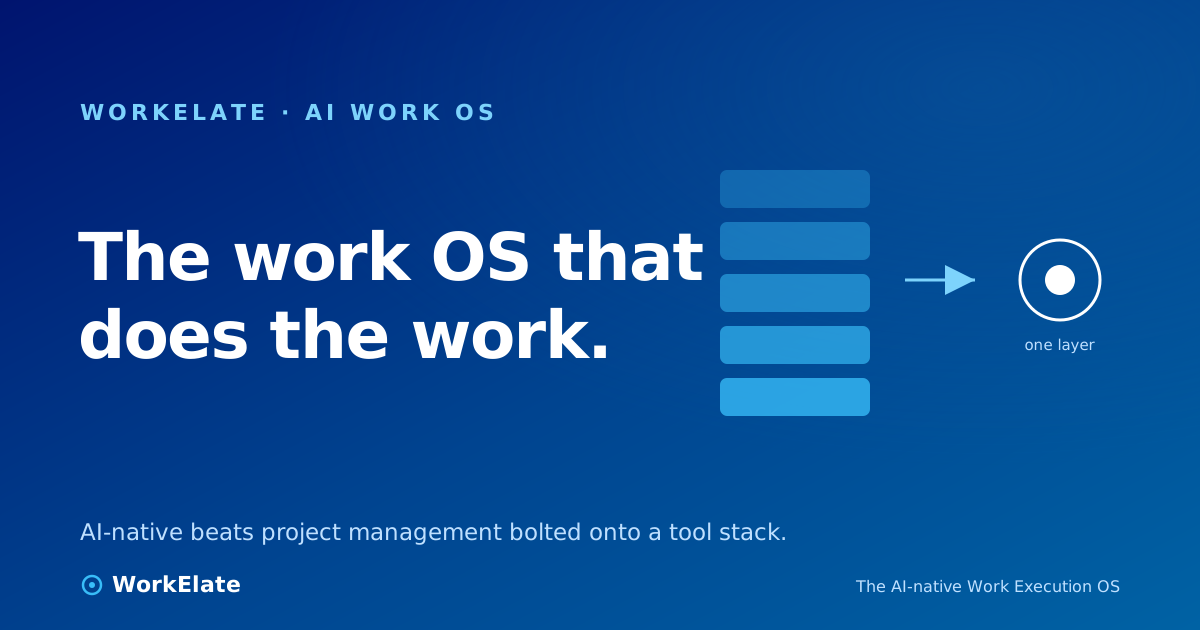
You don't get there by adding a smarter board. A smarter board is still a box you have to carry work out of. You get there by changing what carries the work: from a person opening tabs, to a graph plus a brain that reads it.
So before the next tool lands in your stack with a demo that makes work look effortless, ask the only question that predicts whether it will: when the work leaves this screen, who carries it to the next one?
If the answer is still you, you didn't buy a work system. You bought another place to put things down — and another seam to carry them across by hand.