POV
Your Workflow Doesn't Need More Features
A team I talked to had eleven custom fields on their main project board. Eleven. Someone, at some point, had argued for each one. "Owner." "Blocked-by." "Client tier." "Risk." "Last touched." And on a
A team I talked to had eleven custom fields on their main project board. Eleven. Someone, at some point, had argued for each one. "Owner." "Blocked-by." "Client tier." "Risk." "Last touched." And on a
A team I talked to had eleven custom fields on their main project board. Eleven. Someone, at some point, had argued for each one. "Owner." "Blocked-by." "Client tier." "Risk." "Last touched." And on a busy Tuesday, exactly three of them were filled in.
That's the part worth sitting with. The fields weren't the problem. The arguments about the fields weren't even the problem. The problem was that filling them in was a job, and that job had no owner, so it didn't happen. The board, as always, lied — not because the software was bad, but because a human had to feed it the truth and that human was busy doing the actual work.
Every software release promises you a way out of this. More automation rules. More views. More integrations. More dashboards. The pitch is always the same: your workflow isn't working because you don't have enough yet. So you add. A plugin here, a custom field there, another timeline view, another Zap. You believe that with the perfect combination, everything will finally click.
It doesn't. And here's the small idea I want to leave you with, because it changes what you go shopping for: features don't create flow. A feature gives you one more place to put information. Flow is information moving on its own from where it's produced to where it's needed. Those are not the same thing, and no quantity of the first ever adds up to the second.
Look at a normal stack. Your project tool has Gantt, Kanban, calendar, timeline, and workload views. Your chat tool has threads, channels, DMs, huddles, and canvases. Your docs tool has pages, databases, galleries, and boards. Add it up and you're managing well over a hundred features across three products — and work still feels fragmented.
Why? Because a feature solves an isolated problem inside one tool. None of those hundred-plus features connect the tools to each other. None of them carry the context of a decision from the chat thread where it was made into the task where it needs to be remembered. They give you more ways to organize the same chaos. They don't move the chaos along.
And each one you switch on quietly bills you for maintenance. A custom field needs filling. An automation needs monitoring. A dashboard needs updating. A view needs a meeting to decide who uses it. Before long your team spends more energy running the workflow than running the work — arguing about which view is canonical, which field is required, which automation broke this week. The thing that was supposed to help became a second job.
If features aren't the answer, what is? Three things, and none of them is a setting you toggle on.
First, work has to move to where it's needed without anyone routing it. When a form gets a response, the response should land in the right place as a thing someone can act on — not wait for a person to copy it across.
Second, context has to travel with the work. The reason a card matters, the client it belongs to, the thread where the decision happened — that has to ride along into every tool the work passes through, or it gets lost at every handoff. Most stacks lose it at every handoff.
Third, something has to watch all of it at once. Not a dashboard you go look at — a memory that already knows the state, so the right thing surfaces at the right moment instead of waiting to be searched for.
Notice that none of those is configuration. You can't reach flow by mastering more features. Flow is what you get when the connections between your tools become intelligent — when the integration layer stops being plumbing and starts being the thing that thinks.
This is the part where most posts pivot to a product and the honesty drains out of the room. So let me be exact about what's true today.
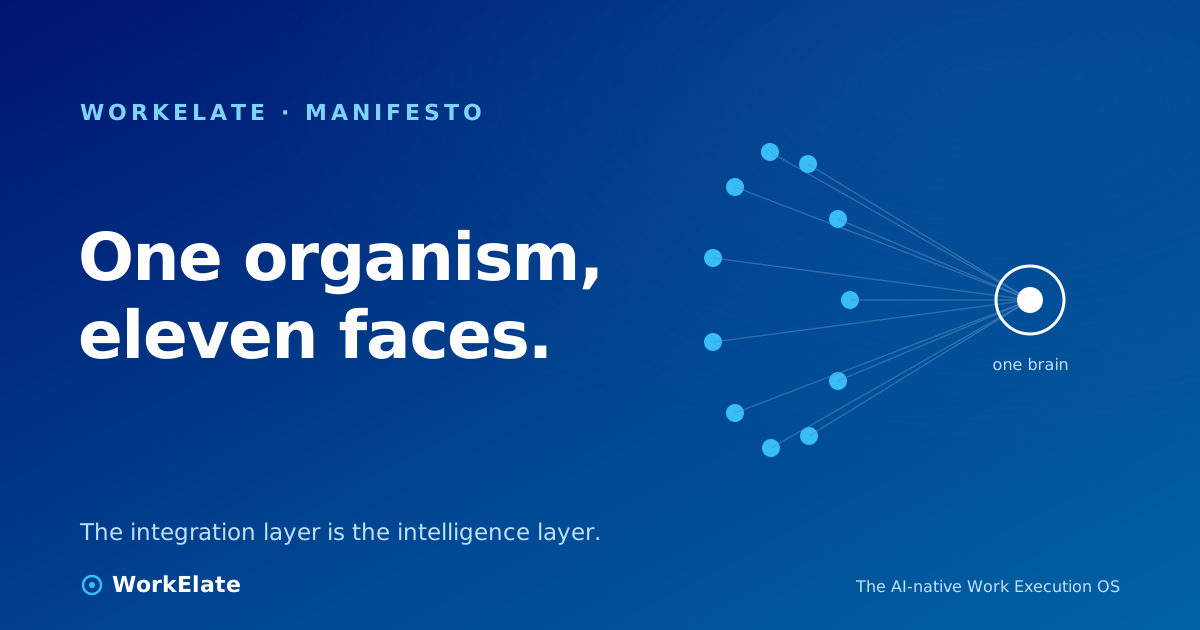
WorkElate is eleven surfaces — a hub, mail, chat, a spreadsheet, docs, decks, calendar, tasks, a whiteboard, journeys, forms. We are not pretending to be one app, and we're not here to tell you tools are the villain. They aren't. Disconnection is the villain.
What's underneath the eleven faces is one thing: a single brain — we call it WAO — that sees a shared work-graph across all of them and can act on it. Not infer the graph from the outside the way an indexer does, then ask a human to push every button. The apps emit the graph as work happens, and WAO can write back into it. That's the difference between a tool that reads your work and a system that runs it.
So when form's "book my time" produces an actual bookable scheduler — one that holds a real slot and invites real people, not a dropdown that looks like booking and does nothing — that's not a richer form feature. That's the work moving from form to calendar on its own. The handoff is the product. The feature is just the doorway it walks through.
▶ Watch on WorkElate See the work hand itself off across apps youtube.com/@WorkElate · videoId: TODO — swap when publishedThere's a ceiling on what features can do, and you've probably already hit it. You can add infinite customization, unlimited views, endless automation rules — and if your tools don't coordinate, the work stays fragmented. You just have a more elaborate way of being stuck.
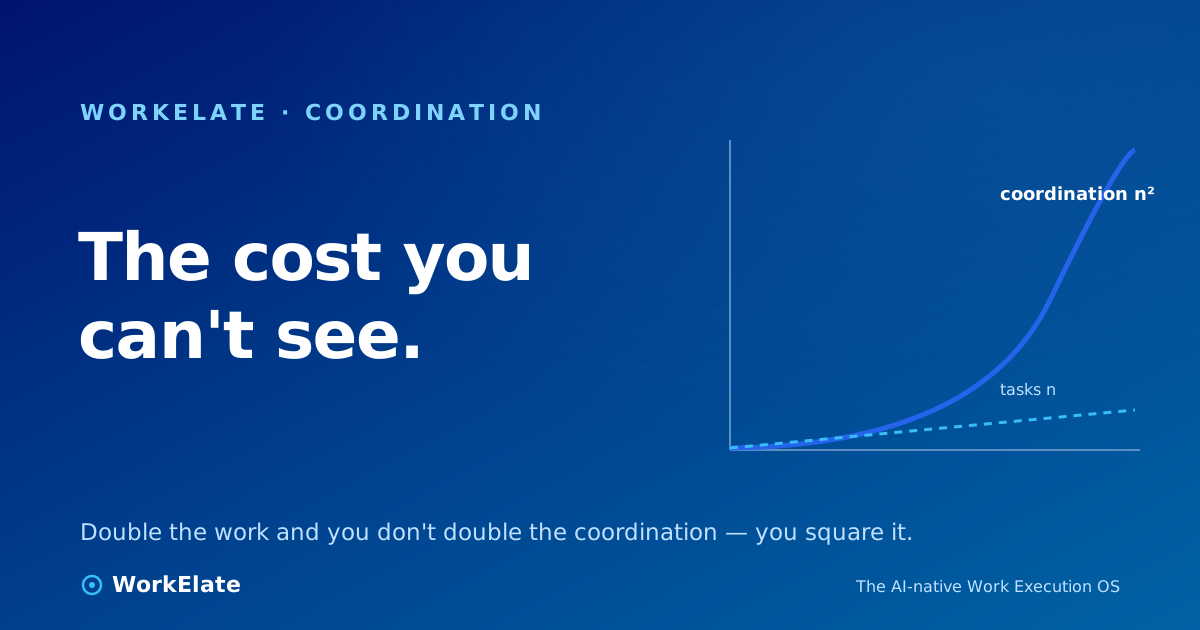
Flow goes through that ceiling, because it isn't measured in features at all. It's measured in how little has to cross your desk by hand. The point isn't to give your project tool a hundred-and-first feature. It's for the coordination work that's really the cost of every task to stop being your best people's job — for the AI to execute the handoffs instead of just assisting with them, and for the connective layer between your tools to quietly become the work system that eats the boundaries between them.
So before the next release tempts you with a new field, a new view, a new integration, ask the only question that actually predicts whether you'll feel less stuck: not what can this tool now do? — but what now moves on its own that I used to move by hand?
If the answer is nothing, it's a feature. If the answer is something, it's flow. You've been buying the first and hoping for the second. You can stop now.