POV
Outcomes Don't Come From Tools. They Come From Systems.
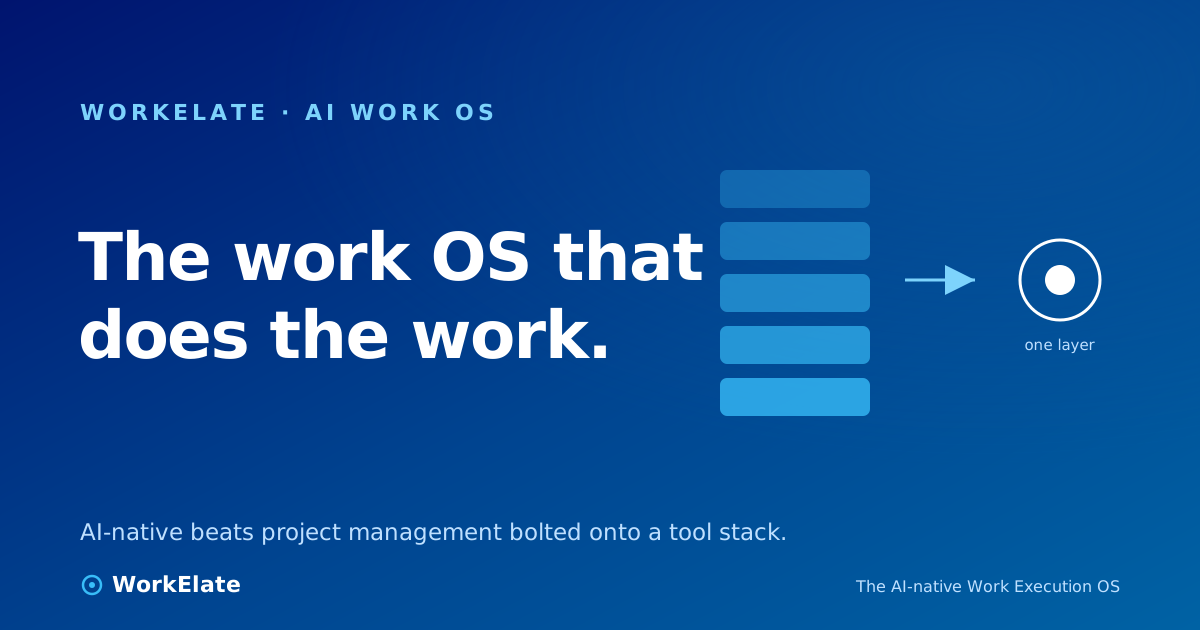
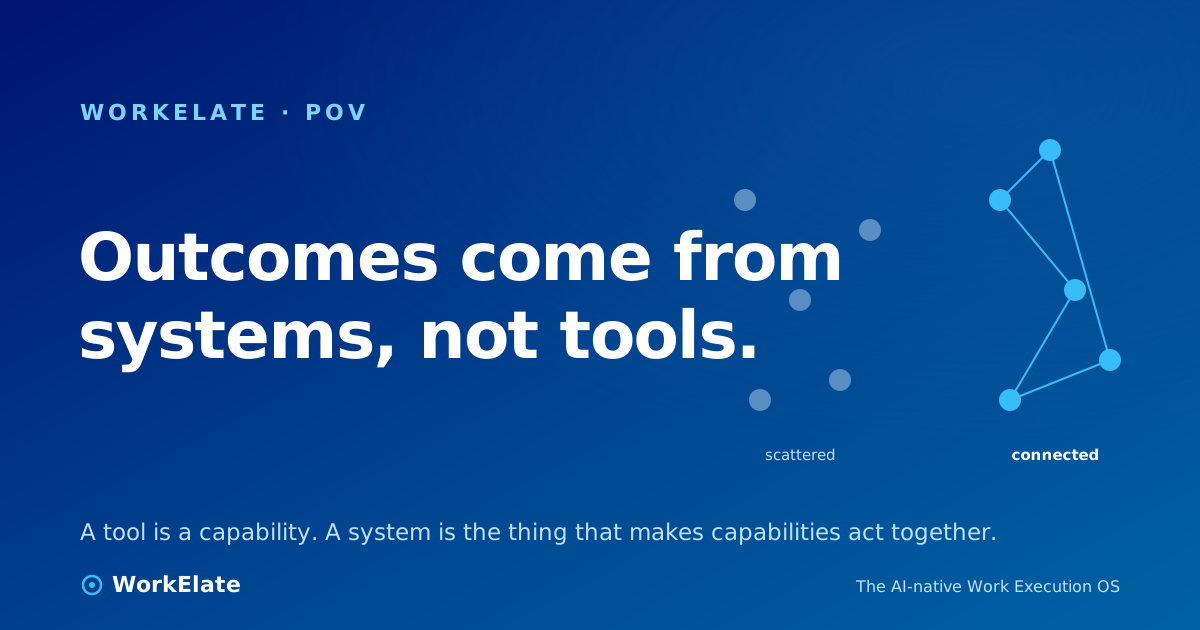
A tool is a capability. A system is what makes capabilities act together. Outcomes come from the work-graph and one brain coordinating your tools — not from buying another tool.
A tool is a capability. A system is what makes capabilities act together. Outcomes come from the work-graph and one brain coordinating your tools — not from buying another tool.
Count the tools your team adopted in the last two years that promised better outcomes — the new project tracker, the new chat app, the new doc tool everyone swore would finally centralize knowledge. Now count the outcomes that actually got better: deadlines hit, handoffs cleaner, fewer things falling through.
For most teams the first number is large and the second is roughly zero. That gap is not a tooling problem; it's a category error. You keep buying tools and expecting outcomes, and a tool, by itself, has never once produced an outcome. A system does. The distinction sounds like wordplay until you see what it costs to ignore it.
A tool is a single capability, isolated. A form builder captures a request; a task board holds a task; a calendar stores a slot. Each does its one job well — and that's not the problem. Specialized tools are good, and picking the best one for each job is smart, not sloppy.
But a capability by itself produces nothing. An outcome — a prospect booked, a deliverable shipped, a client kept — requires several capabilities to fire in order: the form captures, a task gets created, a slot gets held, someone gets told, the status reflects all of it. The outcome lives in the connections between those steps. A system is the thing that makes capabilities act together — the difference between a pile of organs and a body. And if your software doesn't supply that system, you do.
When outcomes stall, the instinct is to add a tool. It feels like progress — a purchase, an onboarding, a fresh dashboard. But adding a capability to a stack with no system doesn't create a system; it creates one more island, with one more gap on either side for a human to bridge. A tool captures but doesn't carry — it records that a thing happened, then a person has to notice it and trigger the next step in some other tool. It is blind to everyone else's data — the task board has no idea what the form just learned. And it waits — you remember, you check, you update.
None of these is a flaw in the tool. A hammer isn't broken because it can't also be a wall. The flaw is expecting a wall to emerge from buying more hammers.
Every gap between two tools is a place where work has to be carried by hand — the form-to-task handoff, the chat-to-calendar handoff, the "wait, which doc is the latest" handoff. Each is tiny: retyping a date takes nine seconds. None is big enough to land on a dashboard, so none gets fixed, and the cost hides in the spaces between the line items on your budget.
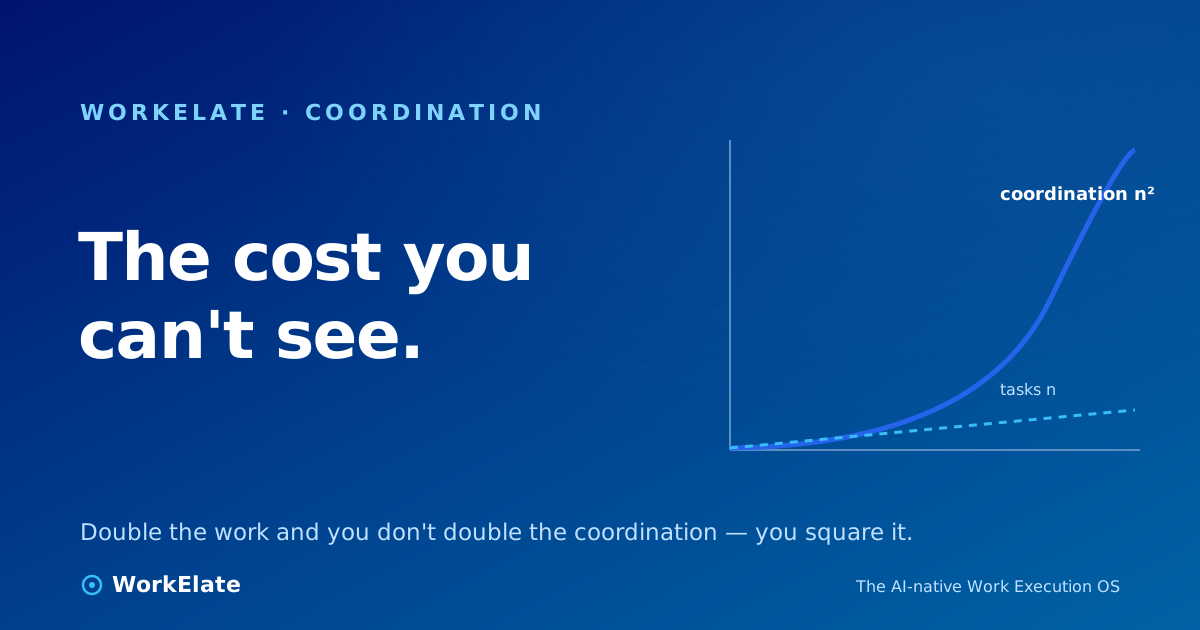
There are hundreds a week, and added up they are most of what a coordinator's day actually is. This is the coordination tax, and the people paying it are usually your best ones — the senior account manager acting as the human router between six apps instead of deepening the client relationship. That's the real cost of a tool-only stack: not the SaaS bill, the people bill. We put real numbers on it in the real cost of a task is coordination. And the scaling is cruel: the teams hurting most aren't the ones with the most tools — they're the ones doing the most connected work, served by the least connected software.
A system doesn't just hold the steps; it moves work between them. That requires three things no standalone tool has — the checklist worth holding any "work platform" to:
1. The surfaces emit into one shared model — they don't just store. When anything happens in any app, the system records it as an event in a shared work-graph keyed to the work — the client, the project, the deliverable — so it can answer a question no single tool can: what's the real state of this client's work, everywhere? A pile of point-to-point wires can never assemble that, because wires connect apps, not work.
2. One intelligence reasons across the whole model — the same one, everywhere. Not a separate copilot bolted onto each app, each blind to the others. One brain, same context across every surface, so the help you get in your inbox knows what your task board knows. An assistant in your docs that can't see what your calendar just learned is only a faster way to make disconnected work.
3. It acts — under your control. Reading across your stack is now common; lots of AI can summarize. But connecting is an action job — work isn't carried until something creates the task, holds the slot, sends the update. A system that owns that write-path takes the job off your plate, under a suggest → confirm → execute reflex: reversible work it just does, irreversible work it brings to you first.
A prospect fills out your intake form: "I need help, and I'd like to book a call this week."
With tools only: the form stores a submission. Someone has to notice it, make a task, find a calendar slot, email a time, and remember to follow up — five surfaces, one human carrying the work, and a real chance a step gets dropped because it was Friday at 5pm.
With a system: the form emits into the graph. The brain reads the submission, understands "book a call this week" as an intent, and produces a real bookable scheduler — not a dead dropdown that locks nothing. It holds the slot, creates the task, surfaces the context for whoever takes the call. You confirm; the carrying is done.
That isn't a roadmap promise. WorkElate's form app does this today: type "book my time" and you get a genuine scheduler with tokenized cancel links — a real handoff into the calendar, not a fake Calendly that books nothing. Checkable proof that the surfaces and the brain are wired together.
The difference between those stories isn't the number of apps. Both have a form, a task board, a calendar. The difference is whether the connection is a person or a system.
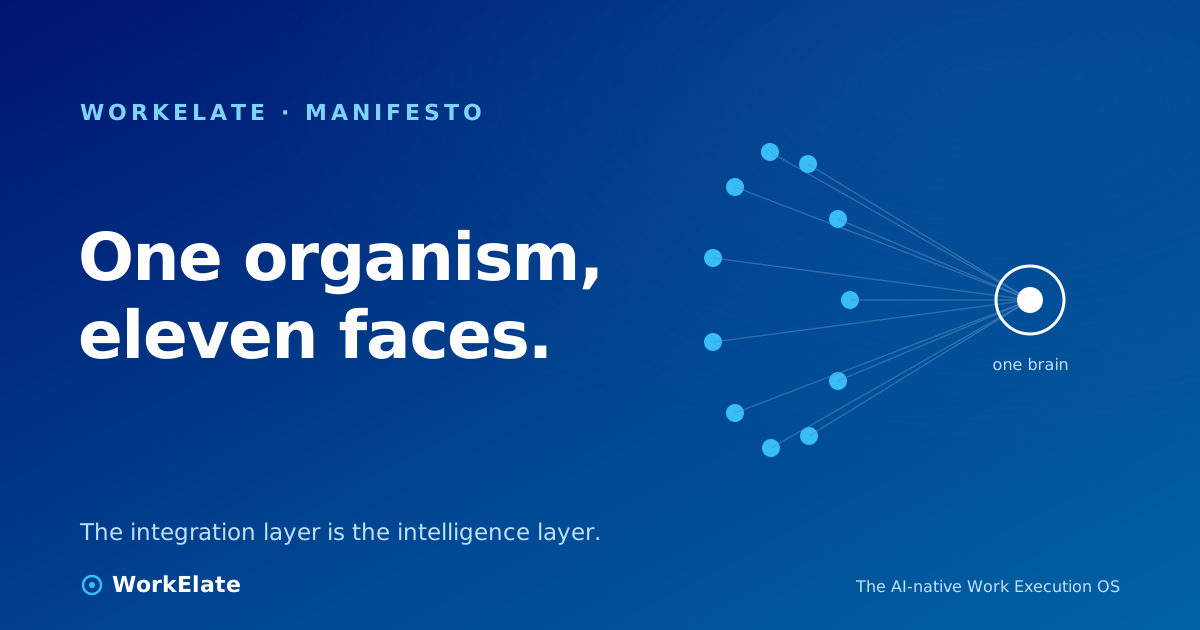
▶ Watch on WorkElate One intake form → a real scheduler, a task, and a held slot — no human in the middle youtube.com/@WorkElate · videoId: TODO — swap when publishedWe won't claim each of our eleven surfaces — hub, weMail, chat, data, docs, ppt, calendar, task, board, journey, form — out-polishes the single best standalone tool in its category. That's not the bet. The bet is the connection: every surface emits into one cross-app work-graph, and one brain (WAO) reads that whole graph and acts back on any surface. Not eleven copilots — one. That's the line between a suite that shares a login and a system that shares a mind.
For the broader argument, see why work systems are eating SaaS and all-in-one vs. disconnected tools.