Comparison
Notion Is a Knowledge Base, Not a Work System
Notion is a beautiful place to store work. A work system runs it. A fair look at where Notion's block and Notion AI end — and where execution begins.
Notion is a beautiful place to store work. A work system runs it. A fair look at where Notion's block and Notion AI end — and where execution begins.
Let me start by giving Notion its due, because the lazy version of this post — the one that calls Notion bloated and tells you to switch — is both unfair and wrong. Notion is one of the best pieces of software built in the last decade, and I'd rather explain exactly what it's great at than wave it away.
Here's the part that's genuinely hard to copy. Notion bet the company on one idea: the block. Every paragraph, image, checkbox, table row, and embedded page is the same primitive — draggable, nestable, transformable into any other type. In 2015 the founders scrapped their entire codebase and rewrote it from scratch in Kyoto to get that primitive right. It paid off. The block let them layer databases on top in 2018, and databases turned a nice notes app into something a person could shape into a CRM, a content calendar, or a wiki in a single session. That approachability is why Notion won and the more powerful, more "build-your-own-software" Coda lost. Power lost to "watch it do this one job for you." It's a real lesson, and Notion earned it.
The AI traction is real too. As of September 2025, Notion reports that over 50% of its customers now pay for AI features, and that more than half of its ARR comes from AI-enabled customers, as the company crossed roughly $500M ARR (figures self-reported, and "ARR" is used loosely across sources — treat them as directional, not audited). That is not a company that fumbled the AI moment. It moved from waitlist to general availability in about ten weeks and brought most of its base along.
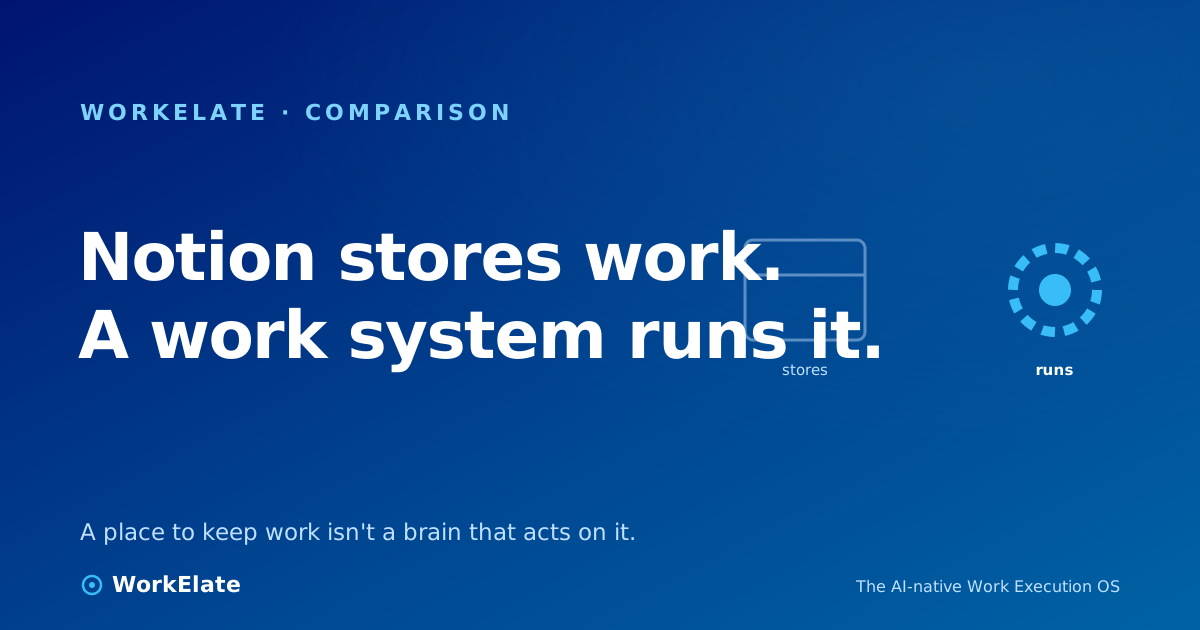
So this is not a post about Notion being bad. It's a post about a category boundary. Notion is a beautiful place to store work. A work system runs it. Those are different jobs, and the gap between them is exactly where most teams quietly bleed hours.
The block is a storage primitive. It's the best one anyone has built for unstructured knowledge: notes, specs, wikis, decisions, the durable record of what a team knows. When your job is to capture and organize and find information, Notion is close to ideal, and I'd happily defend that against anything.
But storage is not execution. A block holds a fact. It does not do anything when the fact changes. A Notion database can model your project beautifully — and then sit there, perfectly arranged, while a human walks around updating statuses, pinging the next person, checking whether legal replied, and confirming the review actually got booked. The database is a mirror of the work. It is not the engine of it. Notion observes; it does not orchestrate.
This isn't a flaw Notion can patch with a feature. It's structural. The block was designed to be a flexible container for content, and a flexible container for content is, by its nature, passive. The intelligence a team actually needs at execution time — what's blocking this, who's waiting on what, what should happen next, is the launch at risk — doesn't live inside any single page. It lives in the connections between the page, the chat thread, the calendar event, the client email, and the design file. And those connections are the one thing a page-based store structurally cannot see, because the other surfaces aren't pages.
Now the AI question, fairly. Notion AI is genuinely useful, and the company deserves credit for shipping it fast and well. But it's important to be precise about what it is.
Notion AI is search and generation over your pages. It answers questions about content you've put in Notion, drafts and summarizes inside the editor, autofills database fields. In the most candid framing — the one its own power users use — it's a very good search wrapper over your workspace plus a writing assistant. That is valuable. It is also bounded by the same wall the block is bounded by: it reasons over what's in Notion. Your actual work isn't in Notion. The decision happened in chat, the deadline lives on a calendar, the client conversation runs through email, the design sits in a canvas. Notion AI can't reason across those, because it can't see them — they were never blocks.
There's a deeper pattern worth naming here, because it's the most important lesson the last few years of work software taught us. The teams that won the AI era were the ones that had spent years building the substrate first — the connected, permission-aware map of how work actually flows — before the models arrived. When the substrate is there, the model has something real to reason over. When it isn't, you get a smart assistant pointed at a partial picture. Notion built a magnificent substrate for knowledge. It did not build a substrate for execution across your whole stack, because that was never the product. Notion AI is, architecturally, intelligence bolted onto a document store. Smart bolt-on, real store — but a bolt-on to a store is not a brain that acts across your apps.
Notion's own roadmap concedes the point, honestly. The 2025 "AI Agents" release is an attempt to make AI act multi-step inside the workspace — an acknowledgment that answering questions about pages wasn't enough, that customers wanted the AI to do the work. That's the right instinct. But an agent that acts inside a document store still inherits the document store's blind spots: it acts where Notion can see, and Notion can only see Notion.
Picture the Monday under the store. The launch is in nine days. To know where it stands, your most expensive person opens the Notion project page, then chat to see if legal replied, then the calendar to confirm the review is booked, then email to check the client, then the design file. Five surfaces, and the only place they add up to "on track" or "at risk" is inside that one tired head — reassembled by hand, gone by lunch. The Notion board says the cards are done. The board always lies, because the board can only see cards.
Now the Monday under a work system. Every one of those surfaces has been emitting what happened into one shared structure the whole time — the task moved, the doc got signed off, the calendar slot was booked, the client went quiet. Nobody reconstructs the picture on Monday, because it was never taken apart. The brain already knows the spec is approved, the legal thread stalled Thursday, the review isn't on anyone's calendar, and the client hasn't replied since the 18th. The morning starts with: three things need you, two I already handled.
| | Notion | A work system (WorkElate) |
|---|---|---|
| Core primitive | The block — a flexible content container | The cross-app work-graph — a live map of how work connects |
| What it's brilliant at | Capturing, organizing, and finding knowledge | Coordinating execution across every surface |
| How it sees work | Whatever you put into pages | What every app emits as work happens |
| What the AI reasons over | Your Notion pages (search + generation) | The whole work-graph across all your apps |
| When a fact changes | A human notices and updates the page | The change is emitted; the brain acts on it |
| The hard part it owns | The best knowledge store ever built | The write-path — acting inside the real surfaces |
| Honest limit | Can only see what's in Notion | Early; earning each surface's write-path takes years |
Read that table fairly and you'll notice it isn't a hit-list of things Notion can't do. It's a map of two different jobs. The left column is store the work. The right column is run the work. Notion is genuinely excellent at the left. We're building for the right.
The reason a work system can do what a knowledge store can't comes down to one architectural choice: emit versus infer.
You can try to infer the connections from the outside — sit an AI above your tools and have it guess what's related by reading logs and scanning pages. That's useful, and it has a hard ceiling, because inference is reconstruction and reconstruction is lossy. The system is forever rebuilding the work from its shadows, and it can usually only read — it's a guest reading your tools' logs, and a guest doesn't get the keys to act.
Or you can emit: have every app declare what just happened, the instant it happens, into one shared work-graph. Nothing gets reconstructed because nothing was lost. And because the same system owns those surfaces, it doesn't just read — it can write back: draft the handoff, hold the review slot, open the scope question. We hold ourselves to a rule that makes this concrete: every app mutation must emit a signal, or it's invisible to the brain. A feature that ships without an emit didn't ship for the work system. (For the long version of why this distinction is the whole game, see the AI work OS that's replacing project management.)
Notion AI infers over the slice of work that happens to be in Notion. That's the best an outside-in, page-bound architecture can do. It's also the ceiling — and the ceiling isn't a model problem, so a better model won't lift it. The intelligence was never inside the pages. It was always in the connections the pages can't see.
Here's where I'll resist the cheap ending, because the honest answer isn't "rip out Notion." It's that these are complements, not substitutes. Keep Notion for what nothing does better: your team's durable knowledge — the wiki, the specs, the decisions worth remembering. That's a real and permanent job.
What you shouldn't do is force a knowledge store to run your execution, then blame yourself for the manual coordination it can't help requiring. The status updates, the handoff pings, the Monday archaeology across five tools — that overhead isn't a sign you've set Notion up wrong. It's a sign you're asking a store to be an engine. The coordination is the actual work, and the real cost of a task is the coordination it creates — the part that lives between your tools, where no single tool can see it.
A work system doesn't make your knowledge base disappear. It runs the work around it — pulling context when it's needed, routing across tools, keeping the picture assembled so no human has to rebuild it every Monday. The best of it happens where you can't see it: the only AI that matters is the kind that quietly does the coordination, and it does it on a suggest → confirm → execute reflex, so you stay in command without staying in the loop.
So the question to sit with isn't "Notion or not." Notion is wonderful at its job. The question is the one that decides whether you have a work system at all: where does the picture of your work actually live? If the answer is "in my best person's head, rebuilt by hand every Monday from five open tabs," then you have a beautiful place to store work — and you're still doing the running by hand.
---
---