Guide
How AI Transforms Team Collaboration and Workflow Efficiency
AI team collaboration isn't a smarter chat. Real AI workflow efficiency comes from work that coordinates itself across your team's apps — not a faster place to type.
AI team collaboration isn't a smarter chat. Real AI workflow efficiency comes from work that coordinates itself across your team's apps — not a faster place to type.
TL;DR: Most "AI team collaboration" tools just give you a smarter chatbox and a tidy meeting summary. They make typing faster and leave the real job — moving work between apps and people — exactly where it was: running through a human. AI workflow efficiency only arrives when the work coordinates itself across the whole team. That takes a shared map of how everything connects (the work-graph) and one brain reasoning over it — not a chat window bolted onto each app.
A request lands in chat at 9:14 on a Monday. By 9:40 someone has read it, decided it matters, opened the board, made a card, pinged the right person with the backstory, pasted the thread so nobody has to re-ask, and updated the project doc. Six small acts, one person, twenty-six minutes. None of it was the work. All of it was moving the work from one app to the next.
That person — usually one of your sharpest — is doing a job nobody wrote down. They are the connective tissue of your company. And most of what gets sold as AI for collaboration doesn't touch that job at all.
Search "AI team collaboration" and you'll find the same five promises: intelligent task assignment, smart meeting scheduling, automated status updates, real-time translation, predictive analytics. Useful features, all of them. But notice the shape — each one lives inside a single app. The scheduler knows your calendar. The summarizer knows your meeting. The chatbot knows your thread.
None of them know about each other. So when a decision in chat needs to become a task on the board with the context from a doc attached, a human still carries it across. The AI made each room a little smarter and left the hallways between rooms exactly as dark as before.
That's the thing worth saying plainly: a faster place to type is not collaboration. Collaboration is work flowing between people and tools without a person hauling it by hand.
Pull apart a normal day and you find one shape repeating. The work is a chain: a message becomes a decision becomes a task becomes a doc becomes a follow-up. But each tool holds only one link. Chat has the conversation. The board has the card. The spreadsheet has the numbers. The handoffs between them — this reply should become that task, for this person, because of that thread — live in exactly one place: a human's short-term memory and copy-paste reflex.
Three costs fall out of that, and an AI that only summarizes meetings touches none of them.
Here's the shift that actually moves AI workflow efficiency. Stop asking the AI to be a smarter participant in one app. Ask it to reason over the work across every app and do the coordinating itself.
Two things have to be true for that to work, and they're the whole game.
First, the apps have to share a map. When a card is created, a doc is edited, a form is booked, an email is sent — each app emits what just happened into a shared structure keyed to the client and the project. That structure is the cross-app work-graph: not a search index that guesses how your work connects, but a live record that knows, because the apps wrote it.
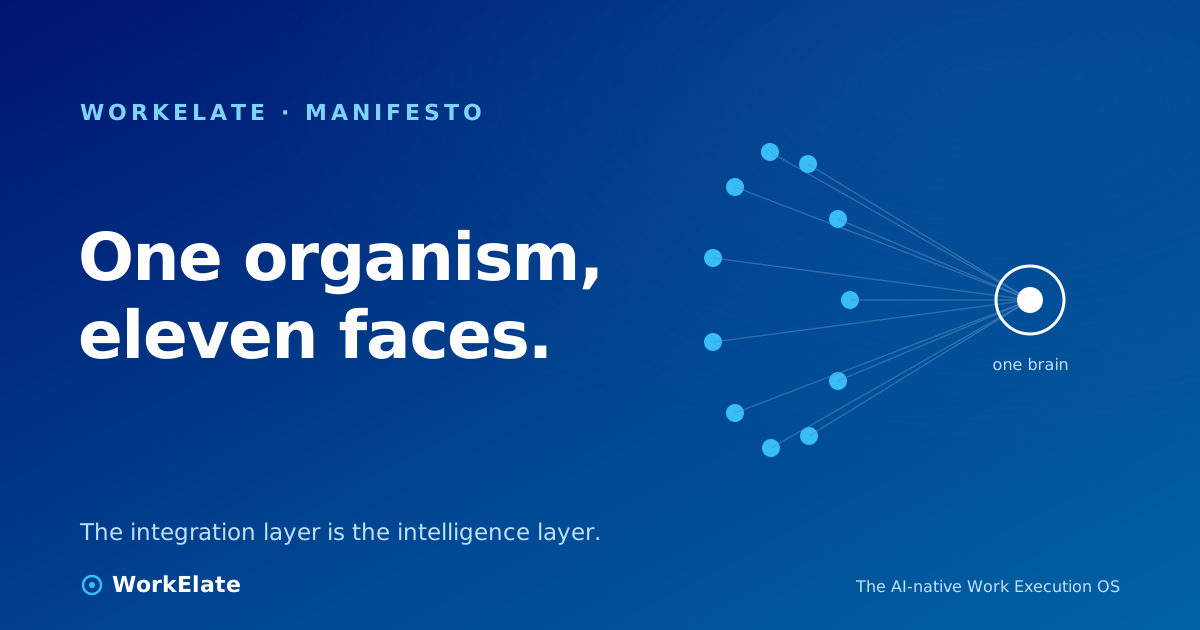
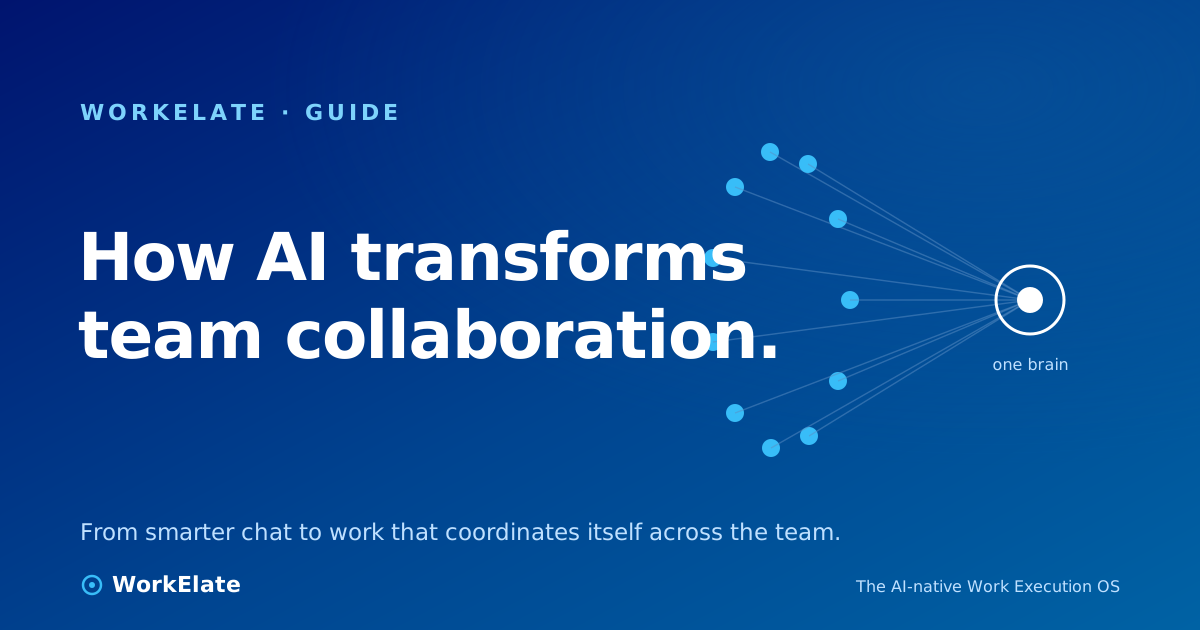
Second, one intelligence has to reason over that whole map — not eleven separate copilots each blind to the others. WorkElate calls this the One Brain: a single orchestrator (WAO) that runs the same loop every time — sense what happened, recall the relevant context, reason about what it means, decide, then act or ask. The two stages most copilots skip are recall and remember. They're why a normal chatbot greets every request like a stranger, and why a system with memory gets more useful the longer your team uses it.
When those two things are in place, the Monday-morning relay changes shape. The request arrives, the system already knows the client, the open thread, and who owns the next step — so the card, the context, and the handoff happen without a person stitching four tabs together.
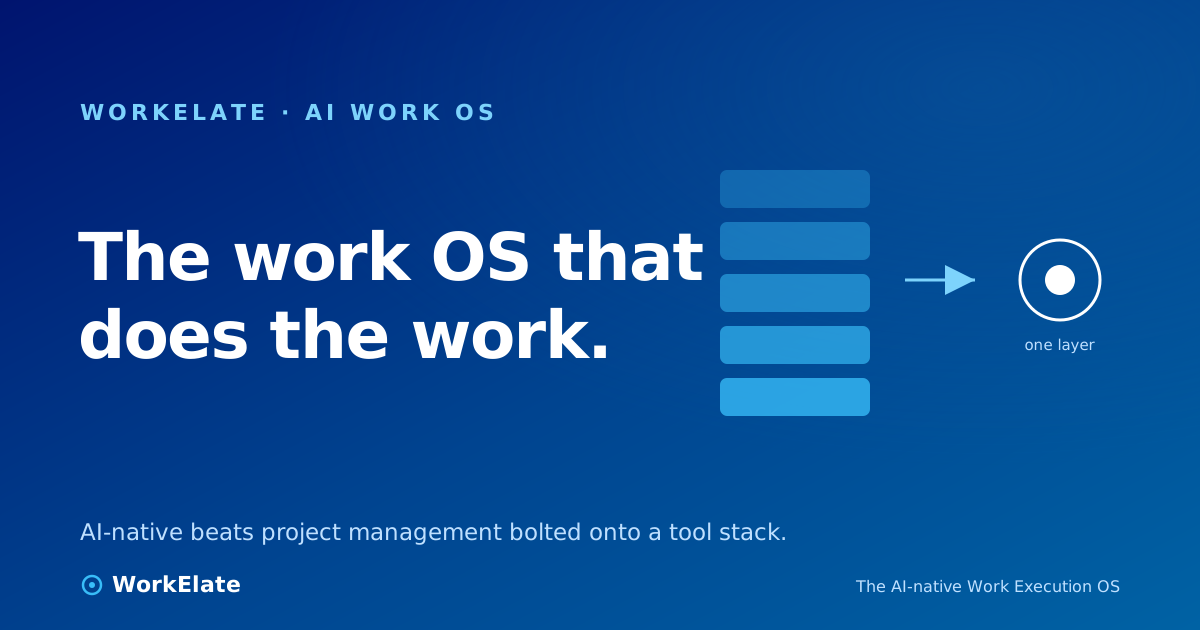
A lot of AI tools can read your work — index it, search it, answer questions about it. Fewer can act on it, and the ones that do usually act through one app with a human confirming each step. The leap is owning the surfaces and the write-path: the system doesn't just describe what should happen, it makes the card, books the slot, sends the draft — under a confirm-first reflex, so you stay in charge of anything that matters. As we put it elsewhere, the integration layer is the intelligence layer — the value isn't a cleverer chat, it's owning the seams between apps where coordination actually happens.
▶ Watch on WorkElate See WAO carry one request across apps youtube.com/@WorkElate · videoId: TODO — swap when publishedIf you're evaluating AI for collaboration, the useful test isn't "does it have a chatbot." It's: does it remove the human relay, or does it just speed up one end of it? A meeting summarizer is genuinely nice and changes nothing about how work crosses your apps. A system that reads the whole work-graph and does the coordination — that's the part that buys back your sharpest people's afternoons.
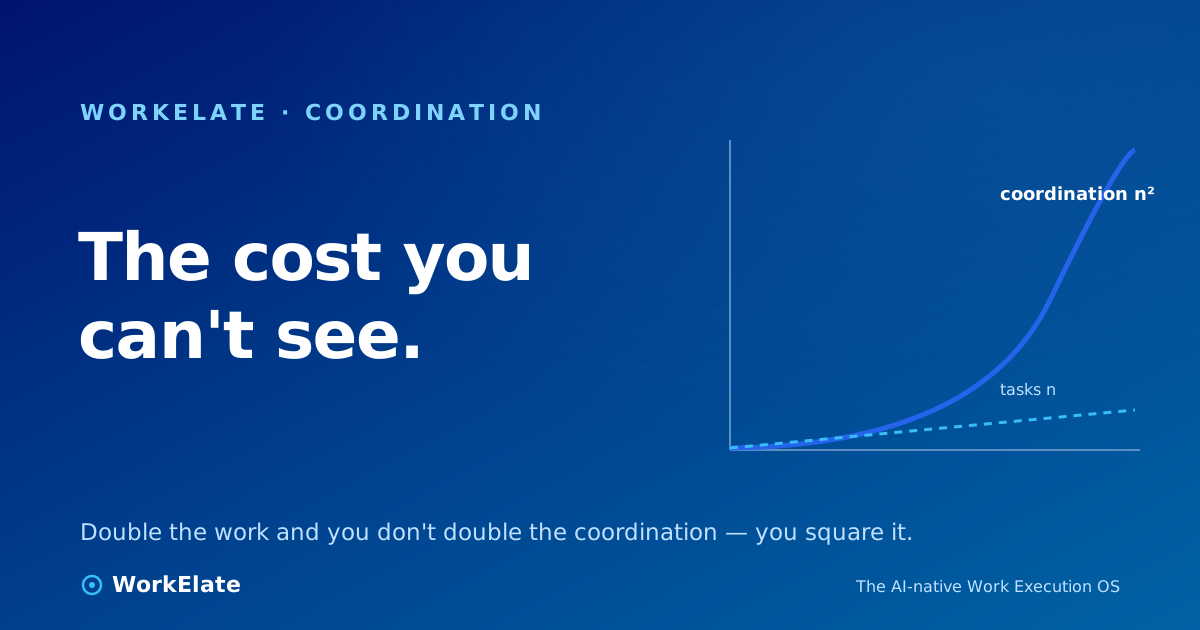
So start where the relay hurts most. Watch for the moments your best person becomes a router: pasting context between tools, chasing status, telling the next person it's their turn. That's not a soft cost. The real cost of a task is the coordination around it — the work itself is often the small part. AI that earns its keep attacks the disconnection between your tools, not the number of them. You don't need fewer apps; you need them to stop forgetting each other. For the deeper version of this argument, see how AI-powered team collaboration becomes work that coordinates itself.
Does AI team collaboration mean replacing people?
No. The work that survives — judgment, relationships, the actual craft — is human. What AI should take is the relay between apps: the copy-paste, the status updates, the "you're up next" pings. That's the part nobody's job description ever mentioned, and the part that scales worse than headcount.
How is this different from the AI features already in my chat or project tool?
Those features live inside one app and only know that app. AI workflow efficiency at the team level needs a shared map across all your apps (the work-graph) and one brain reasoning over it. A per-app copilot makes each room smarter; it can't light up the hallways between them.
What's the "work-graph"?
A live structure your apps write to as work happens — keyed to the client and project — instead of an index that guesses how things connect. Because the apps emit it, the system can read and act on it, rather than only describing it.
Where do I start?
Find where a person is acting as the integration layer — routing context, chasing status, relaying handoffs. Fix that seam first. It's where AI workflow efficiency shows up fastest and where your team feels it most.