WorkElate: The Work OS Built to Get Work Done, Not Manage It
Most work software manages work. WorkElate moves it — one brain reading a cross-app work-graph, acting on confirmation. The difference between a tracker and a system that gets work done.
WorkElate Team
Apr 30, 2026 · 5 min
Open any project tool on a Monday morning and ask it one honest question: did anything actually move this weekend? It can't tell you. It knows how many cards sit in each column, who's assigned, what's overdue in red. But movement — the contract that got signed, the blocker that cleared, the reply you'd been waiting on — it has no idea. It's a very neat photograph of work that is, at that moment, completely still.
That stillness is the whole problem. We bought tools to manage work and forgot to ask whether they ever do any. So we became the part that does. We write the brief nobody enjoys writing. We send the third follow-up. We carry context from the doc to the ticket to the meeting, by hand, because nothing else can. Your most expensive people spend their best hours as glue.
WorkElate was built to take that load off your brain — to be the Work OS that gets work done, not the prettier place to watch it not move.
THE POINT
A tracker shows you the work. A Work OS moves the work.
The difference isn't the dashboard. It's whether anything happens when you close the tab.
Manage vs. get-done is a real architecture, not a slogan
It's easy to write "we don't manage, we execute" on a landing page and mean nothing by it. So here's the actual difference, in the plumbing.
A management tool is a set of islands. Tasks here, docs there, calendar somewhere else, mail in its own world. Each one knows its own cards and nothing about the others. The connections that make work work — this design feeds that ticket, this approval gates that kickoff, this person is waiting on that reply — live nowhere in the software. They live in your head and in Slack threads. Its idea of "status" is a thing you produce: typed into a field, narrated at standup. Status should be something the system knows. In a management tool, it's a report your team generates on a schedule.
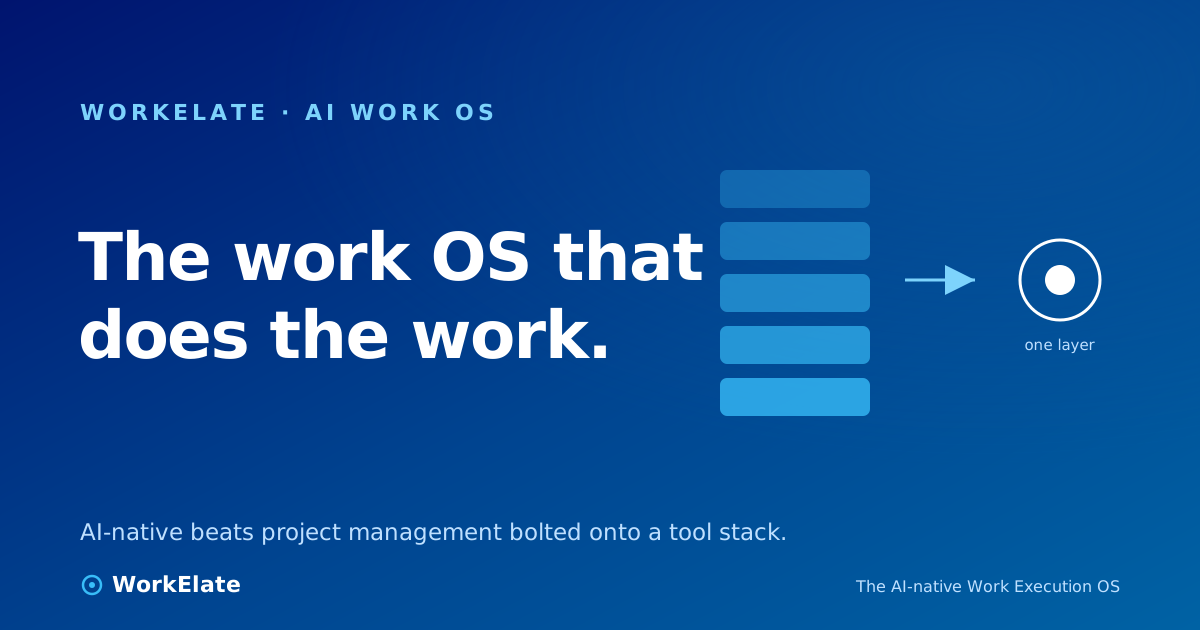
A Work OS inverts that. Every surface emits what happened — a card moves, a doc is edited, a form is submitted, an email lands — into one shared, connected map: the cross-app work-graph. Then one orchestrating intelligence reads across the whole graph, reasons over it, and acts. Not inside one island. Above all of them.
01
Manage: islands
Tasks, docs, calendar, mail — each app knows only its own cards. The connections live in your head.
02
Get-done: one graph
Every app emits what happened into one shared work-graph. The connections live in the system.
03
Manage: status you produce
Updates typed into fields, narrated at standup. Humans export reality to the tool.
04
Get-done: status it knows
One brain reads the graph and already knows what's moving, blocked, or at risk.
05
The dividing line
Read vs. act. A tracker answers. A Work OS recalls, reasons, and does — on your confirmation.
The line that decides everything: a management tool helps people coordinate work. A Work OS does the coordination, and lets people decide.
One brain, eleven faces — and it acts, on confirmation
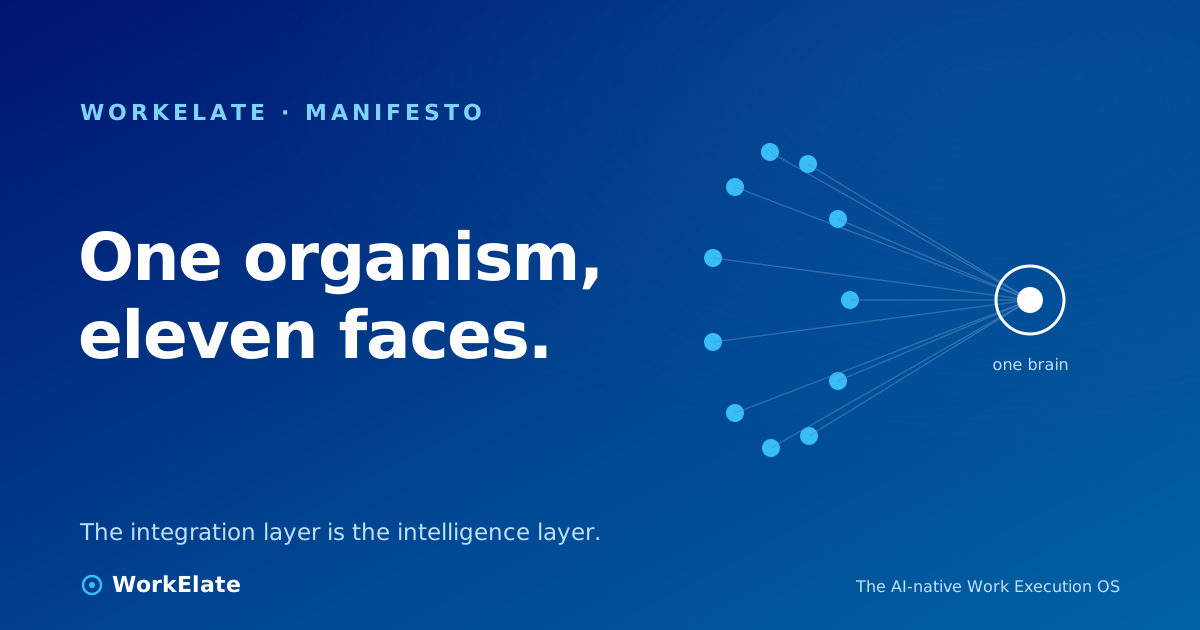
The thing reading the graph is WAO, the WorkElate AI Orchestrator — less "the AI," more a delivery manager who never sleeps and never forgets. The apps are its eyes and hands; WAO is the mind. Not eleven apps with AI bolted on — one brain wearing eleven faces.
What makes that real is a loop WAO runs every time it does anything: sense → recall → reason → decide → act → remember. The two stages most copilots skip are recall and remember — pulling the history of this client before it reasons, and writing the outcome back so next time it knows more. A chat box answers your question and forgets you exist. A Work OS remembers the answer, the decision, and the reason.
And it doesn't just narrate. After WAO spots a risk it can draft the client update, reassign the task, book the review. The trust reflex is fixed: suggest, then confirm, then execute. Low-stakes and reversible, it acts. Irreversible, client-facing, or expensive, it proposes and waits for your yes. The visible confirmation step is what lets you turn the feature on instead of disabling it by Tuesday.
The part you can check on a demo: the same AI drawer is mounted in all nine shipping web apps, and every one routes to the same brain. The eyes are cross-app by construction — and when WAO acts, action carries across surfaces, the handoff a single-app copilot structurally can't do.
The cleanest proof is the smallest one. In WorkElate's form builder, a "book my time" prompt doesn't produce a cosmetic dropdown that locks nothing. It produces a real scheduler — tokenized, bookable — that writes an actual calendar event. Form to calendar, one intent, no human stitching the two together. The work moved itself.
For the person leading: you stop chasing updates, because status is something the system already holds. Decisions arrive with their context attached. You scale without hiring a coordinator for every new account, because coordination isn't a headcount problem anymore — it's a property of the system.
For the team: fewer interruptions, clearer ownership, less of the status theater where four people describe work the other three already knew. The point isn't that humans do less. It's that humans do the part only humans can — judgment, creativity, the decisions — while the mechanical coordination tax stops eating the hours around the actual work. We don't claim to remove that tax wholesale, only the roughly third that's pure mechanical glue. We'd rather be precise than impressive.
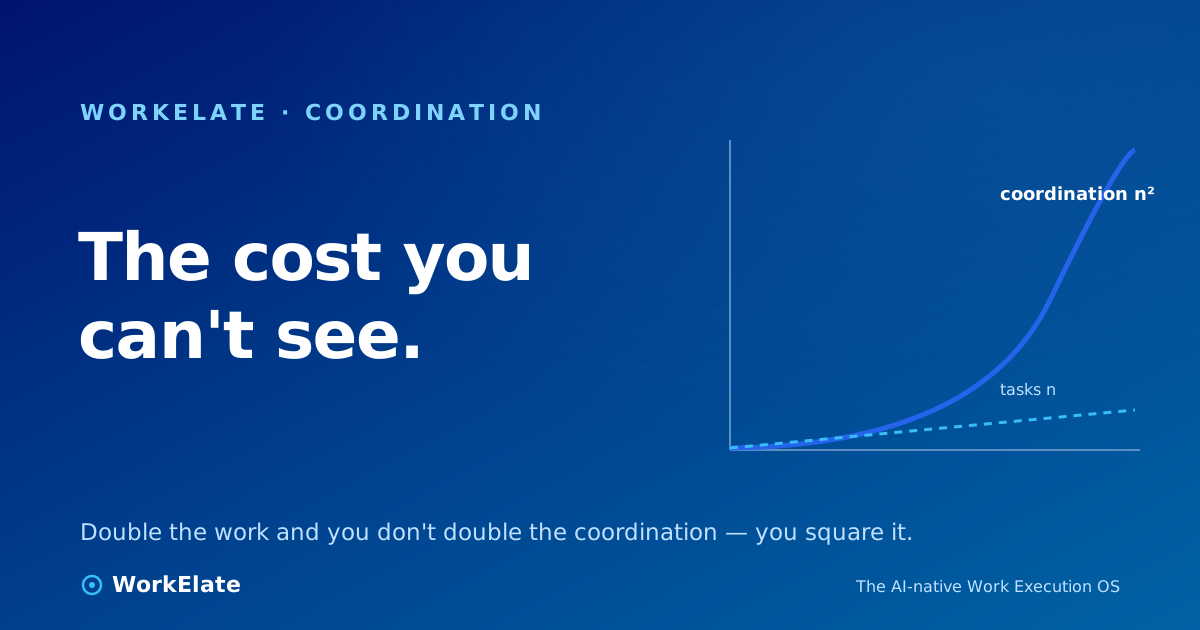
This is also why we never frame the villain as "too many tools." We are eleven surfaces. The enemy was never the count. It's the disconnection between them, and the human tax that disconnection charges. A Work OS doesn't win by having fewer apps. It wins by making the apps share one brain. If you want the longer argument for why coordination — not tasks — is the real cost, we made it in the real cost of a task is coordination, and sketched the structural future in a concept note on the future of work. For the category itself, there's why an AI Work OS is replacing project management.
The honest gap, plainly stated: this is hard, and we're still building toward the full vision app by app. The mechanism is real and parts of it ship today — you can run them on your own data. But anyone selling a finished, set-and-forget machine is selling the brochure. Motivating is not the same as fictional, and we'd rather win your conviction with what's true.
So here's the question worth sitting with. Not which tracker has the nicest board — they all do, by now. It's the one your current tool can't answer on a Monday morning: when you close the tab, does the work keep moving without you? If the answer is no, you don't have a Work OS. You have a very tidy place to watch the work stand still.